All projects

Mango3D

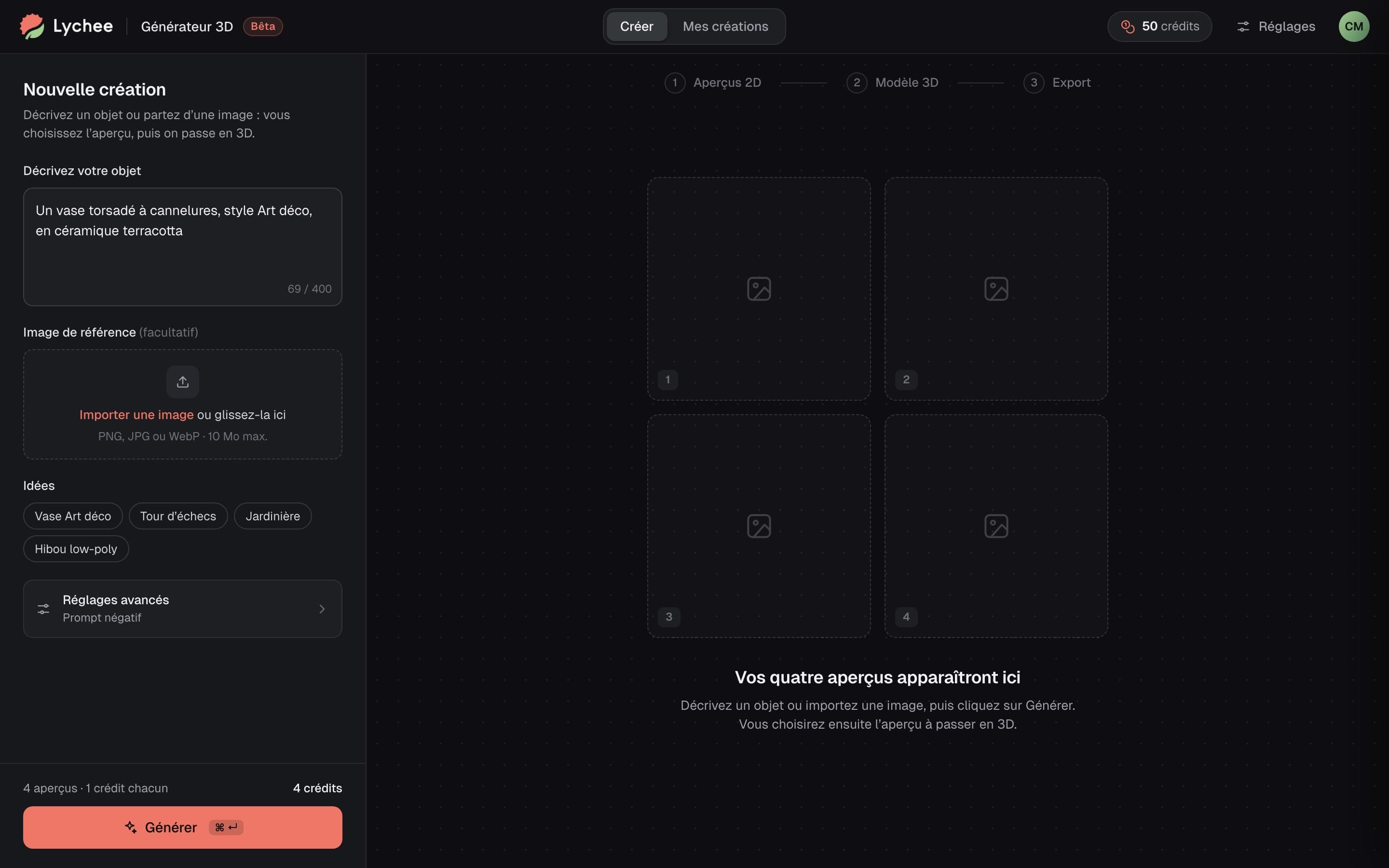
In July 2025, I scoped an AI prototype with Mango3D's team and designed its interface: a generator that turns a text or an image into a printable 3D model, to send into Lychee Slicer.

lychee.co
Mango3D, interactive prototype

Mango3D, based in Mérignac, publishes Lychee Slicer, the desktop software that prepares 3D models for resin and filament printing. A large community of hobbyists and prosumers uses it, and it leads the resin market.

Role
Freelance Product Designer through 175studio, framing and UI design
Period
July 2025
Scope
The 3D generator
Expertise
Generative AI, UX/UI, design system (shadcn/ui)
Live
October 2025, as Lychee Gen

The 3D generator

Lychee leads on resin, but its competitors are investing heavily in AI, and part of the community fears it will replace model creators. Mango3D wanted a low-key proof of concept: generating a printable 3D model from a text or an image, on a separate site, desktop first and with beta testers.

Four previews before the model

The 3D generators on the market pile up options; Mango3D wanted a very simple site.

Four 2D previews before the model, because an image is far cheaper to generate than a model: you start from a text or an image, pick a preview or run it again, then comes the 3D model. We laid out this journey together at the kickoff, in Figma, starting from tools like Krea and 3D AI Studio.
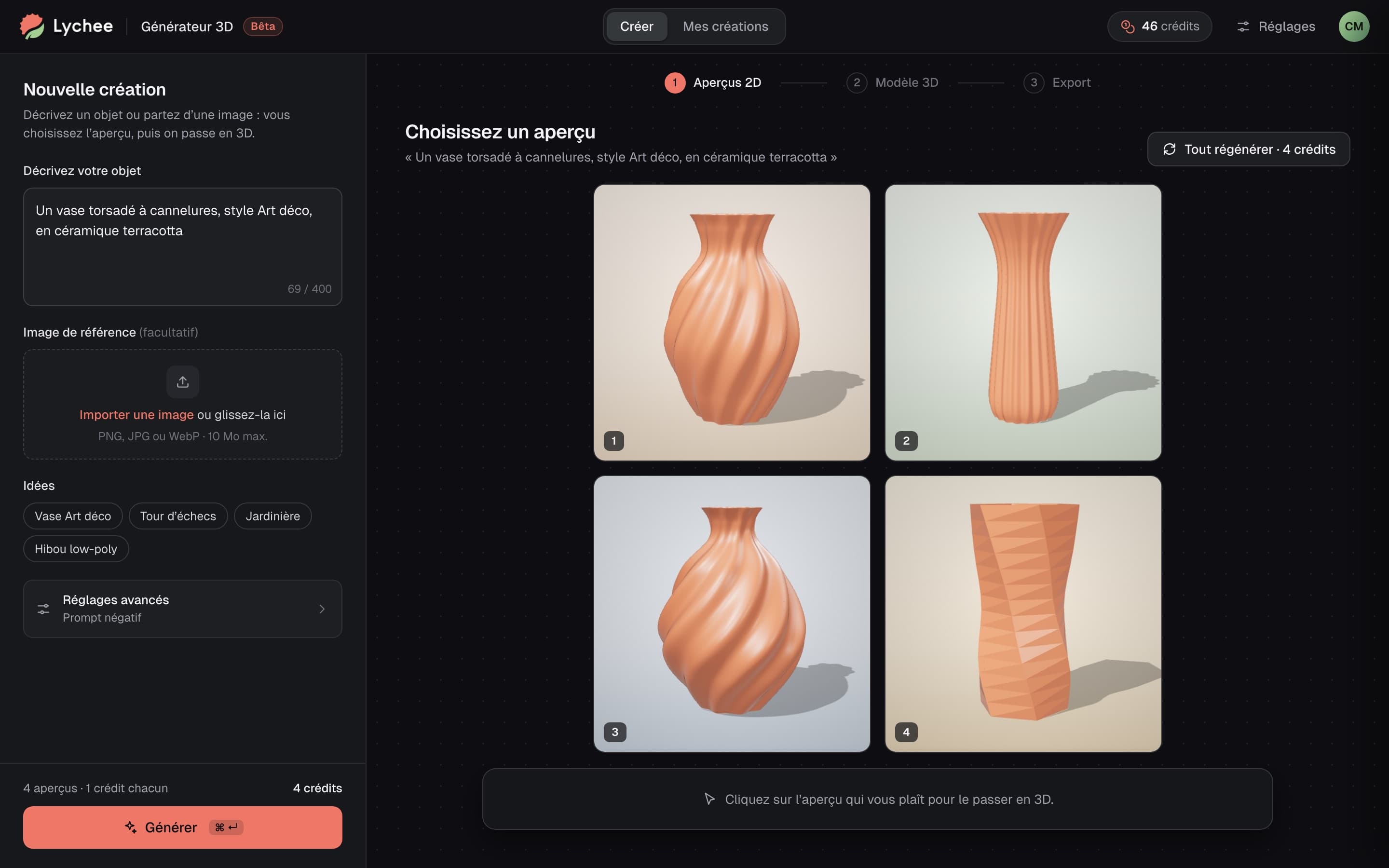
The Lychee generator's four 2D previews

Two ways out for the model

Once the model is ready, you're not always at the computer running the software.

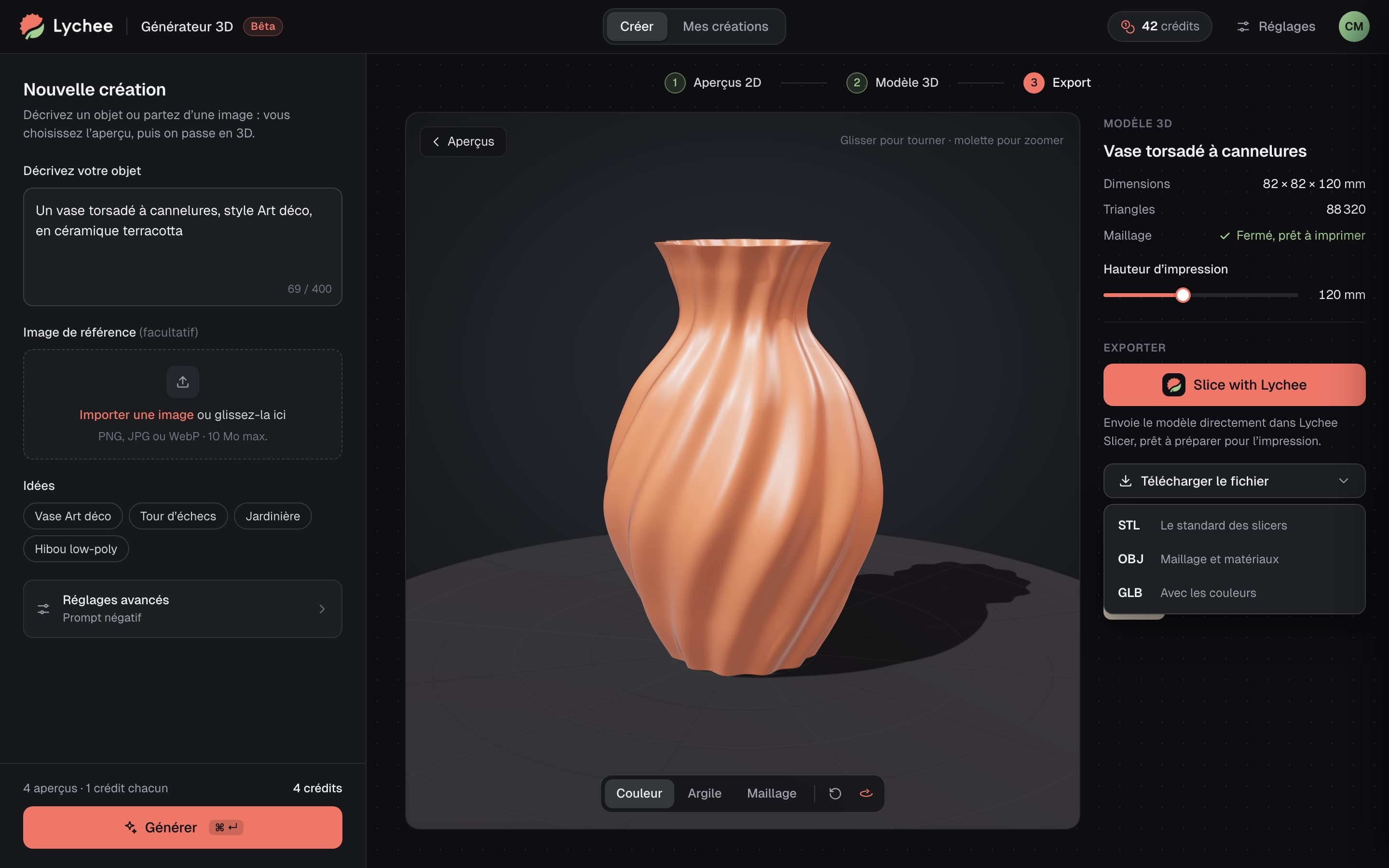
I made sure to keep two exits: send the model into the software with the Slice with Lychee button, or download it as GLB, STL or OBJ, when you're not at your computer.

The 3D model and its two exits

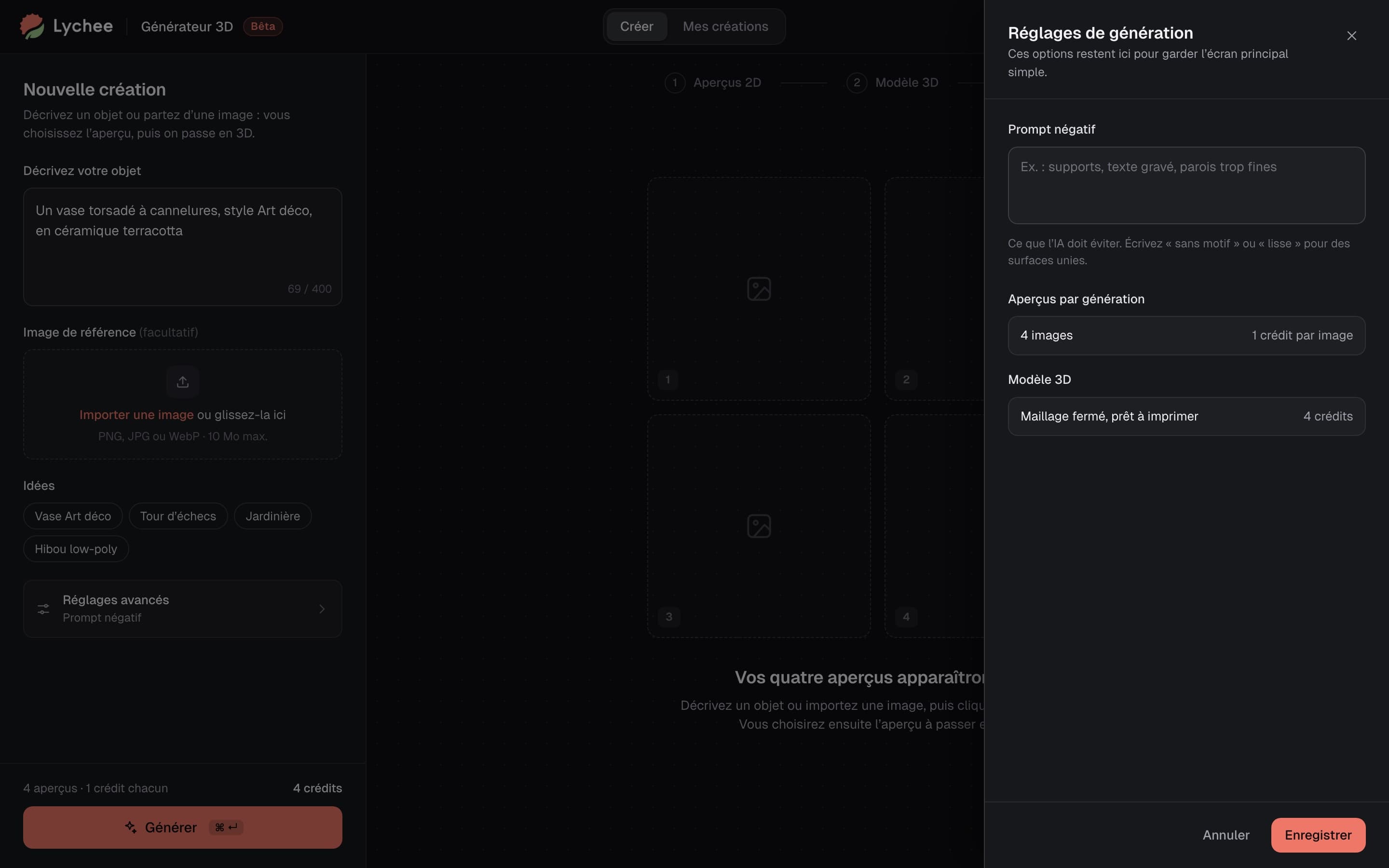
Credits in sight, advanced options aside

Every generation costs credits, and the negative prompt risked losing some users.

Credits stay visible: one per image, four per model. And I suggested putting advanced options in the settings, to keep the main screen simple.

Generation settings, apart from the main screen

How I work

  • Structure before style

    I installed the shadcn/ui library in Mango3D's Figma and customised it for Lychee: a lean design system, dark like the brand's tools, on which I built the wireframes, then the mock-ups.

Moving fast without sacrificing quality: Romain set up a solid design system in record time, and his prototypes were complete enough that we used them directly in-house to test our hypotheses.
Anthony TeixeiraCPO, Mango3D

An AI product to make simple from the very first screen?

That's what I did with Mango3D. Let's talk about yours.